How to prepare a DXF file for CNC plasma cutting
Get your parts cut right first time. A fabricator's checklist for preparing DXF files for CNC plasma cutting: scale, closed profiles, hole sizes, kerf, layers and what to send with the file.
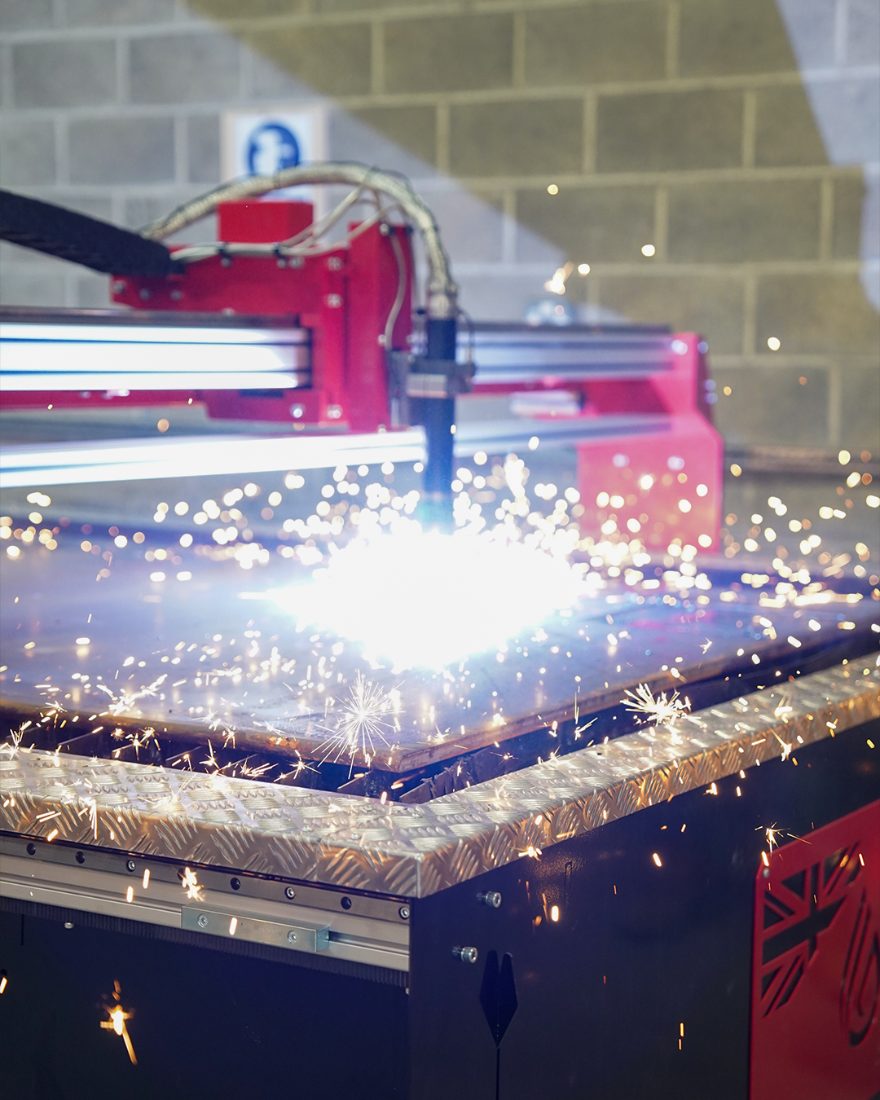
A clean DXF is the difference between parts cut the same day and a phone call asking what you meant. Most of the files we receive are nearly right; these are the few things that turn nearly right into right first time.
1. Draw at 1:1 in millimetres
Your DXF should be full-size, in millimetres, with no scale factor applied. If your CAD package exports in inches or at a drawing scale, fix it before you send — a bracket that arrives at 25.4 times the size is easy to spot, but one at 1:2 is not.
2. One closed profile per part
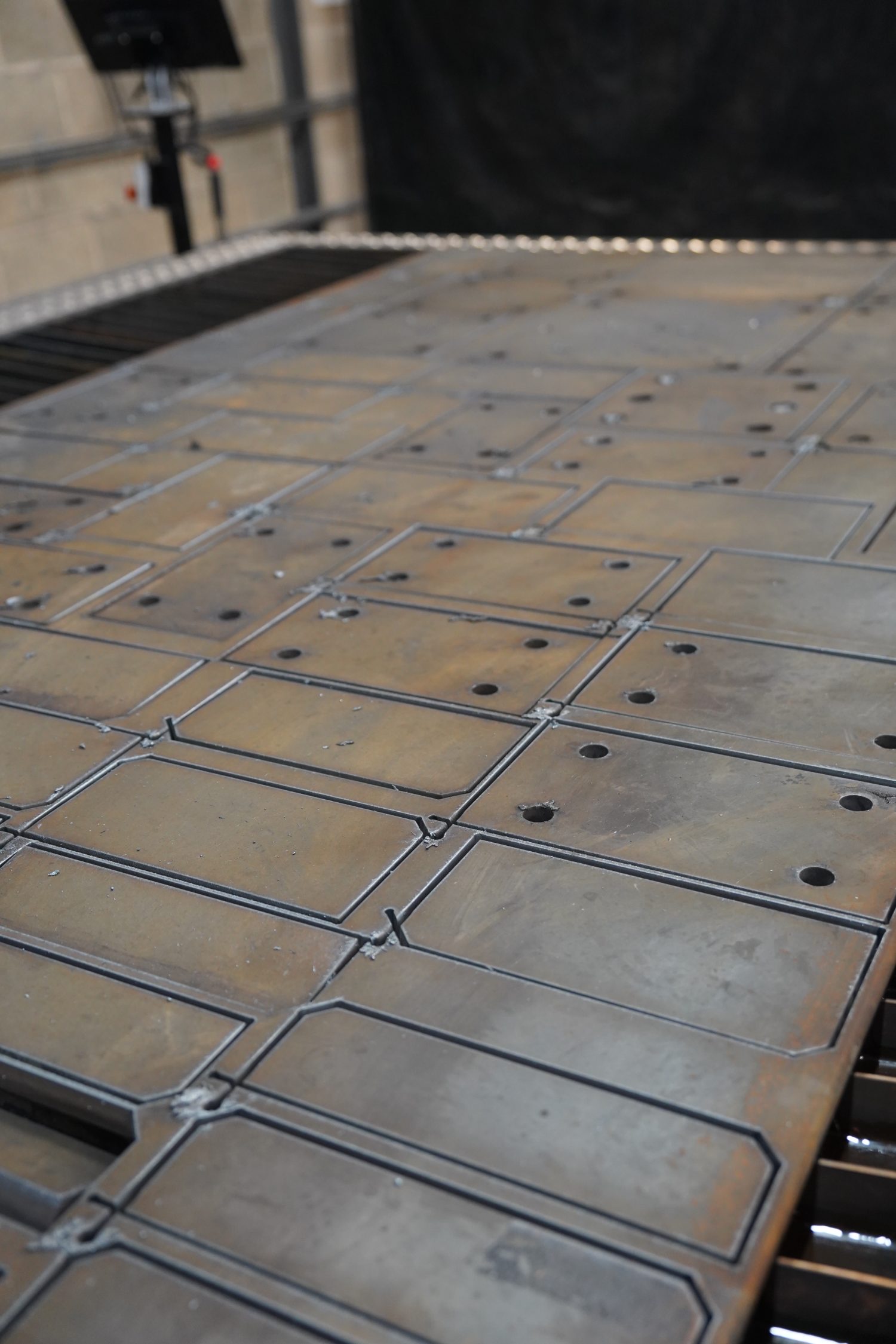
Each outer edge and each internal cut-out must be a single closed polyline. Gaps, overlapping lines and duplicate segments confuse the nesting software and can cause the torch to cut the same line twice or leave a part attached to the sheet. Join lines into polylines and run a check for open geometry before export.
3. Remove everything that isn't a cut
Dimensions, hatching, centre lines, title blocks and notes should be deleted or moved to a separate, clearly named layer. If text or an etch line is meant to be marked on the part, put it on its own layer and tell us — otherwise it will be treated as a cut.
4. Mind minimum hole sizes and kerf
As a rule of thumb, plasma-cut holes should be no smaller than the plate thickness — and ideally larger. Small holes in thick plate taper and are better drilled afterwards; draw them for reference and tell us they are to be drilled. Kerf (the width of the cut) is compensated for by our software, so draw the finished dimension, not an oversize one.
5. Leave sensible gaps between features
Very narrow slots, thin webs and fine points lose definition as heat builds up. Keep webs and slot widths comfortably wider than the plate thickness where you can. If a feature must be fine, mention it and we'll advise on plasma versus laser.
6. Tell us what the file doesn't
A DXF has no idea what it is made of. With every file, send: material and grade, plate thickness, quantity of each part, finish (if any), and whether any holes are to be drilled or tapped. A quick note on what the part does helps us flag anything that looks wrong.
The one-minute checklist
- Full size, millimetres, no scale
- Closed polylines, no gaps or duplicates
- Cut geometry only — notes and dimensions removed or on a separate layer
- Holes at least as large as the plate thickness, or marked to drill
- Material, thickness, quantity and finish stated in the email
Ready to send? Email your DXF to enquiries@msfabrication.co.uk or use the quote form. Read more about CNC plasma cutting in Greater Manchester.